How do I create a new wheel?
Open New Wheel, rename the title, add or edit items, then save it to your current browser.
Help Center
SpinDecisions is a lightweight wheel tool for quick decisions, classroom picks, games, and personal routines. Use this page as the main reference for creating, customizing, and sharing wheels.
Open New Wheel, rename the title, add or edit items, then save it to your current browser.
Paste one item per line in the editor. Empty lines are ignored. Replace All overwrites the list, and Append adds new lines to the current list.
Yes. In the full editor you can change each item text, weight, background color, and text color, then reorder items as needed.
Use the Share button in the full editor. SpinDecisions creates an anonymous shared snapshot that can be opened directly by other people.
Each spin uses browser-side random input to pick the result. If weights are set, they only affect probability, not the slice size on the wheel.
Custom Wheels are stored only in your current browser storage. They are not attached to an account and will not appear automatically on another device.
Shared custom wheel links stay valid for 30 days. After that, the owner needs to create a new share link.
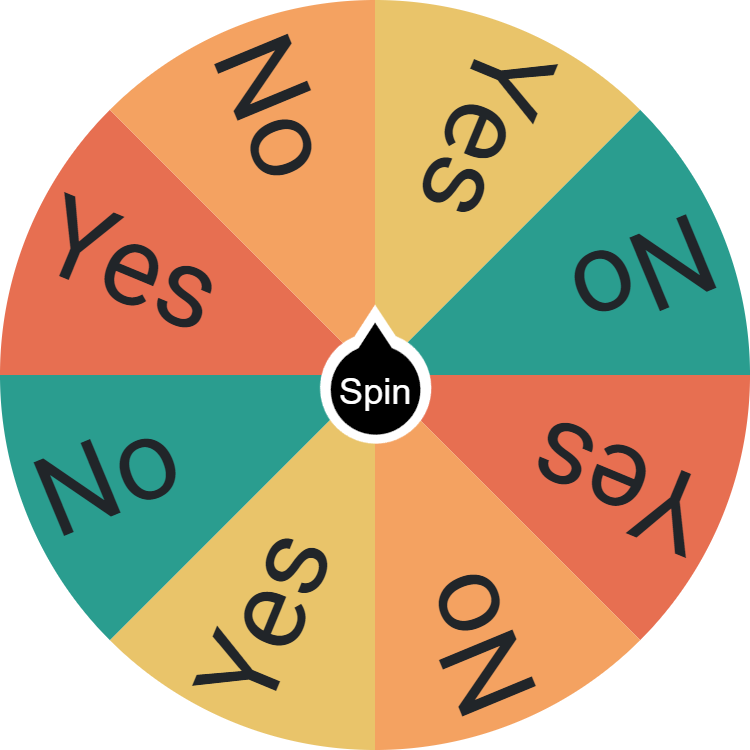
Quickly resolve daily indecisions with the Yes or No Wheel Picker Generator, random solution for an instant, unbiased yes or no answer.
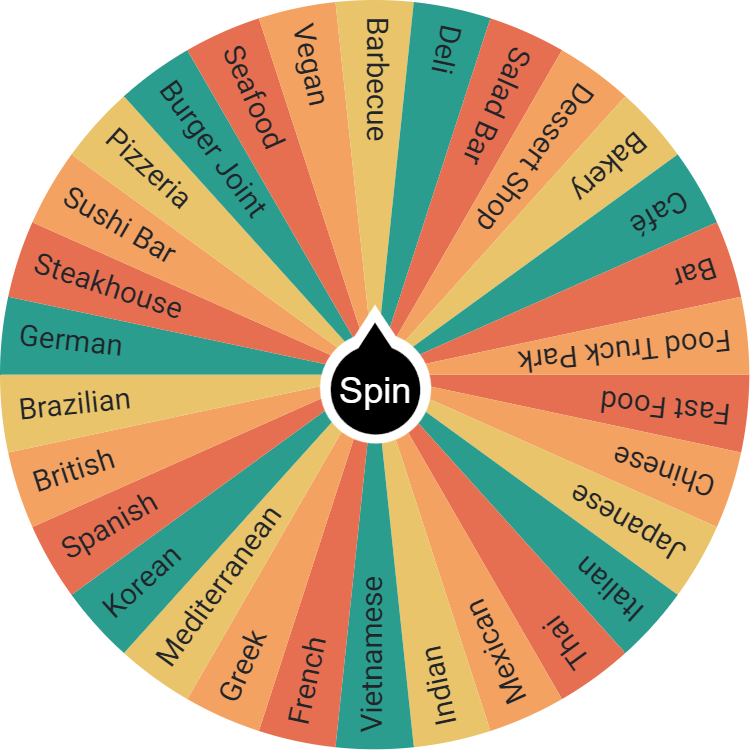
Can't decide what to eat? Spin the wheel for meal ideas, from pasta to salads. Perfect for quick, random dining adventures. Share and enjoy new tastes!