RGB Color Wheel Generator
Recent Results
Spin once to see your history here.
RGB Color Wheel Generator
The RGB Color Wheel is based on the RGB color model, typically used in electronic displays, digital cameras, and scanners among other devices. Within the RGB model, colors are created by blending varying degrees of Red, Green, and Blue. The RGB12 Color Wheel encompasses 12 colors, incorporating primary, secondary, and intermediate colors from the RGB model. Below are the 12 colors of the RGB12 Color Wheel along with their common hexadecimal codes:
- Red:
#FF0000 - Red-Orange:
#FF4500 - Orange:
#FFA500 - Yellow-Orange:
#FFD700 - Yellow:
#FFFF00 - Yellow-Green:
#ADFF2F - Green:
#008000 - Blue-Green:
#0D98BA - Blue:
#0000FF - Blue-Violet:
#8A2BE2 - Violet:
#EE82EE - Red-Violet:
#D02090
This color wheel offers a straightforward means to understand and explore color relationships within the RGB color model. It demonstrates color transitions and relationships by dividing colors into 12 segments, aiding designers and artists in selecting and comparing colors. In practical applications, the hexadecimal codes serve to accurately represent and select colors in digital devices and software. The RGB12 Color Wheel stands as a fundamental color reference tool, assisting in comprehending and utilizing the RGB color model.
Decision Paralysis? Let the Wheel Decide!
RGB Color Wheel Generator helps you make quick random selections for Creativity & Arts scenarios. Keep your option list up to date and use each spin result as a fair tie-breaker without overthinking.
RGB Color Wheel Generator also works as a repeatable decision process because each round can be logged, compared, and refined over time. This helps when teams need predictable rules for random selection while keeping the interaction simple for non-technical participants.
How to Use
- 1.Open RGB Color Wheel Generator and review all current options on the wheel.
- 2.Add, remove, or reorder options so the wheel matches your real decision context.
- 3.Spin once and use the highlighted result as your final decision outcome.
Recommended Scenarios
- RGB Color Wheel Generator for daily quick decisions
- RGB Color Wheel Generator for team random assignment
- RGB Color Wheel Generator for classroom participation picks
- RGB Color Wheel Generator for challenge and game setup
- RGB Color Wheel Generator for activity planning and rotation
FAQ
Is RGB Color Wheel Generator random?
Yes. Each spin uses random input to generate a result.
Can I edit options before spinning?
Yes. You can customize options anytime before a new spin.
Does this work on mobile devices?
Yes. The tool works on modern mobile and desktop browsers.
Can I repeat the same wheel setup?
Yes. Reuse the same setup to keep decision rules consistent.
Can this be used for groups?
Yes. It is suitable for teams, classrooms, and party activities.
How should I improve result quality?
Keep options clear, remove duplicates, and review your option set regularly.
Recommended Tools
Back Links
Recommendations
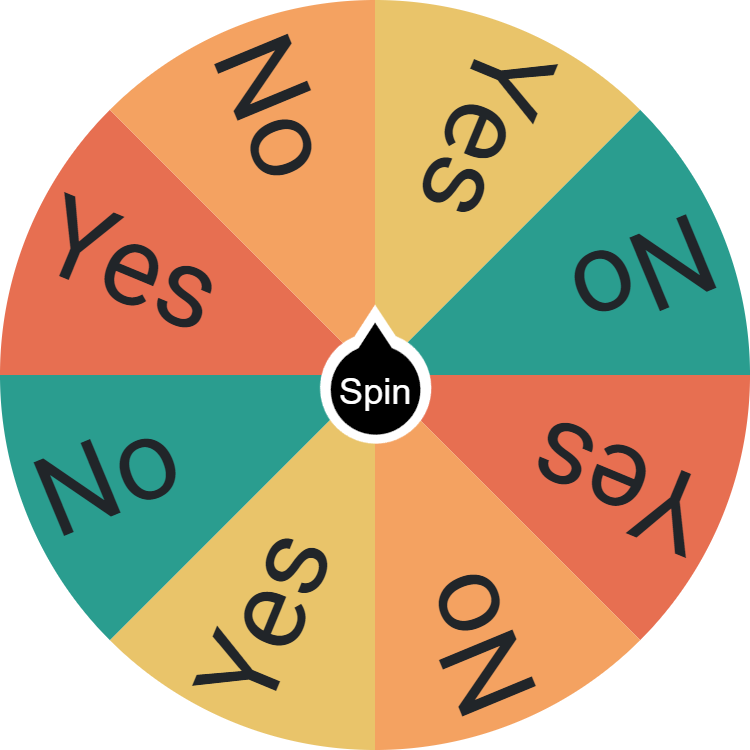
Simplify Your Decisions with Yes or No Wheel
Quickly resolve daily indecisions with the Yes or No Wheel Picker Generator, random solution for an instant, unbiased yes or no answer.
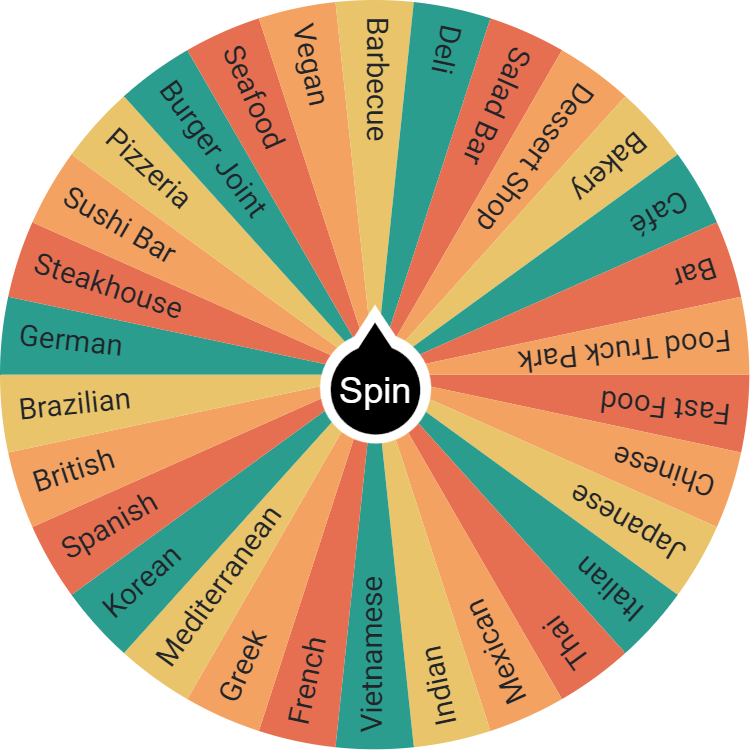
What Should I Eat Today?
Can't decide what to eat? Spin the wheel for meal ideas, from pasta to salads. Perfect for quick, random dining adventures. Share and enjoy new tastes!